What's New
Stay up to date with the latest features and improvements.

Firework Height Visualization
Visualize a 3D sphere above firework annotations, as a reference for height and break size.

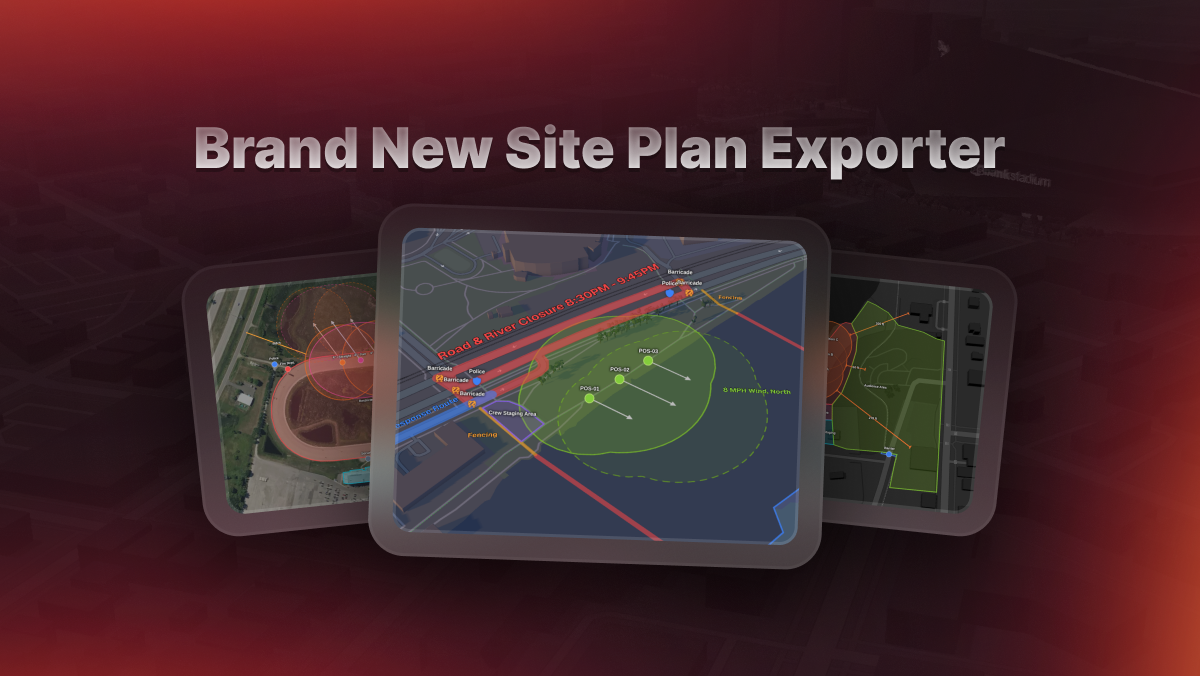
Site Plan Export 2.0
Built-in compass and scale, logo watermarking, and multi-map views for complex displays.

Expiring Crew Credential Alerts
Email alerts for crew members with credentials expiring at 6 months, 3 months, 1 month, and 1 week.

Line Annotations
Create lines of any length or shape and customize their color, thickness, and more.

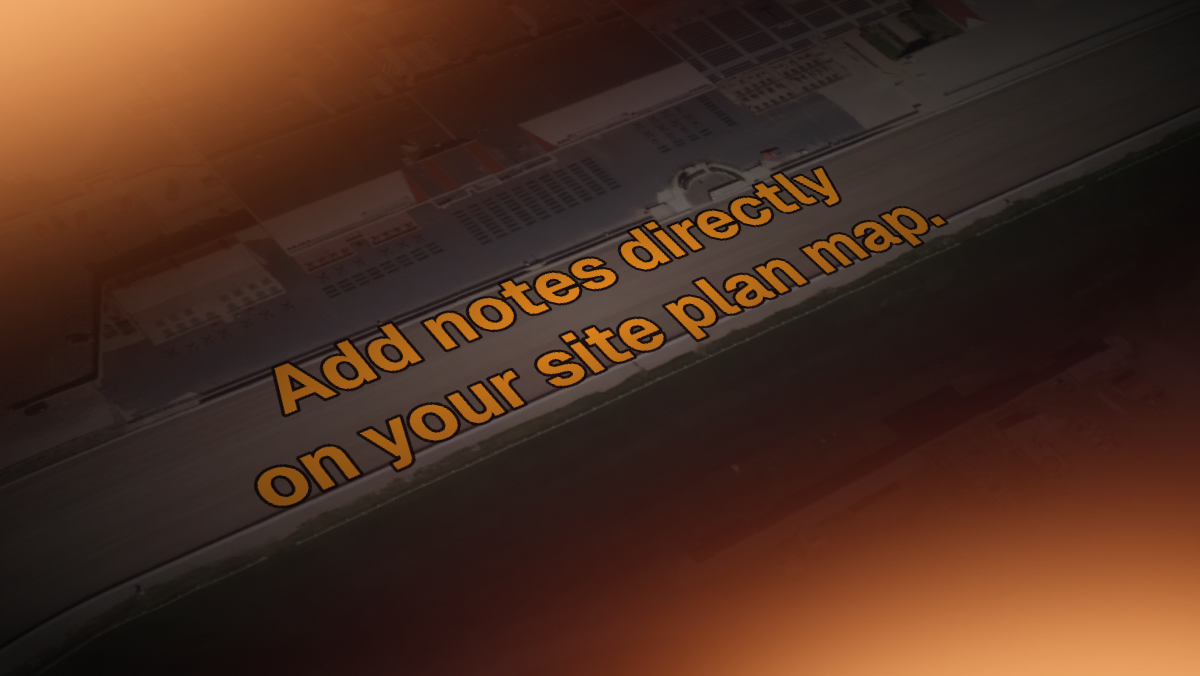
Text Annotations
Text Annotations let you write directly on your site plan map — set custom colors, size, and rotation.

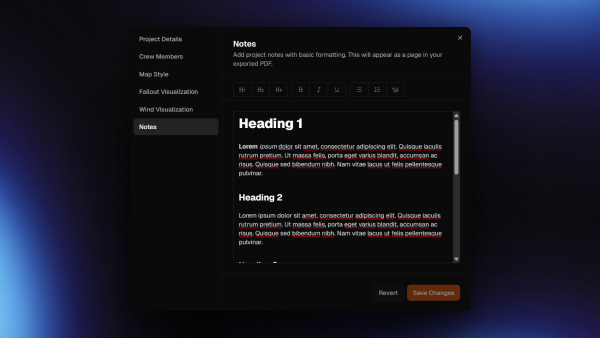
Formatted Project Notes
Add a fully formatted page of text to your exported Site Plan PDF, for any use case!

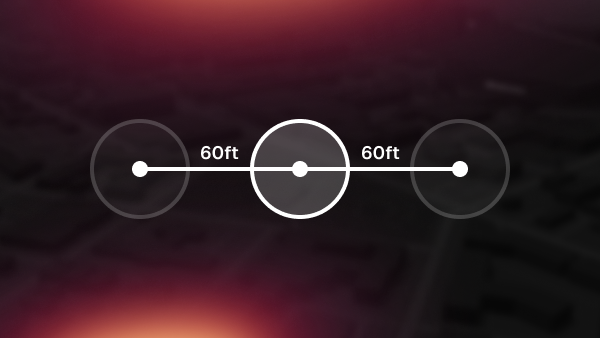
Smart Snap Guides
Increase layout precision with smart snap guides when placing Firework or Point annotations.

Icon Annotations
Add custom icons to your point annotations, with built in presets, and support for colored icons.

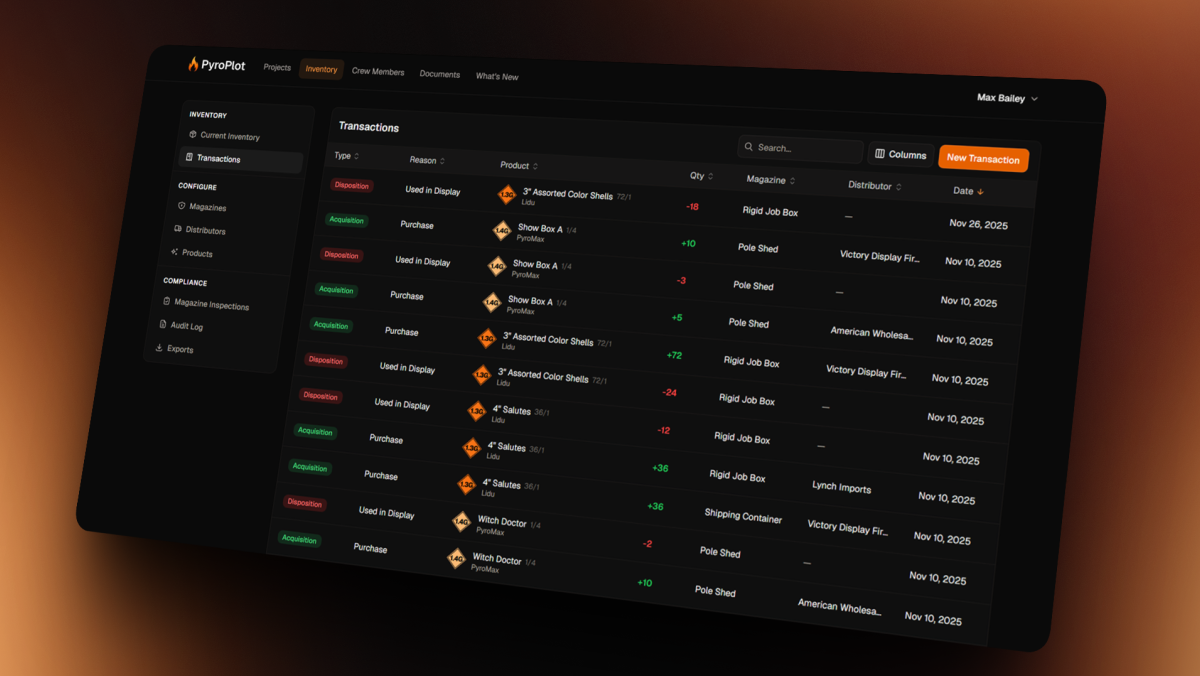
ATF-Compliant Inventory
A purpose-built system to simplify ATF digital record-keeping for display fireworks companies.

Wind Visualization
Enable in Project Settings → Wind Visualization to see fallout drift in your project.

Custom Crew Credentials
Crew members can now have up to 10 "Custom" credentials and certifications.

Togglable Annotation List
View all of your annotations in one place, and easily toggle annotation visibility on or off.

Duplicate, Undo, & Redo
Use hotkeys CTRL+D, CTRL+Z, and CTRL+Y to quickly make changes in projects.

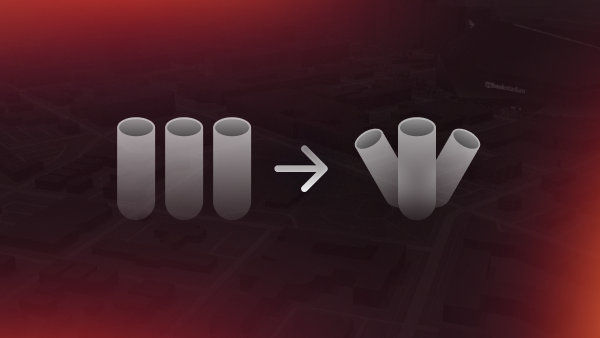
Angled Fireworks
Angle is now supported on Firework Annotations, still with automatic fallout zones.

White Labeled Site Plans
Upload your company's logo, and have it show up on all of your generated site plans.

Unified Fallout Zones
New modes allow you to combine fallout zones from multiple fireworks to create simpler plans.

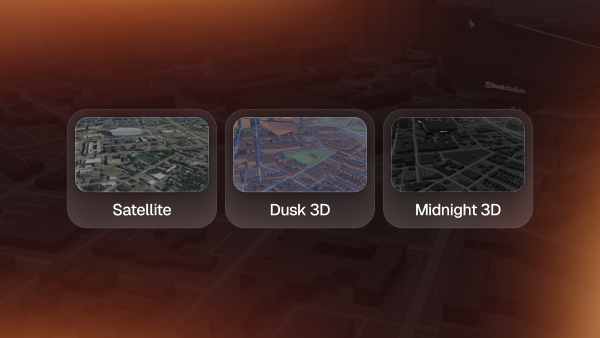
New Map Styles
Choose from three incredible new map styles, Satellite, Dusk 3D, and Midnight 3D.

Crew Members
Add your crew, helpers, or employees. Assign them to projects to auto-fill the generated site plan.

Documents
Upload various documents you may want to attach to your generated site plan PDFs.