
Back to News
Unified Fallout Zones
Simplified Fallout Visualization
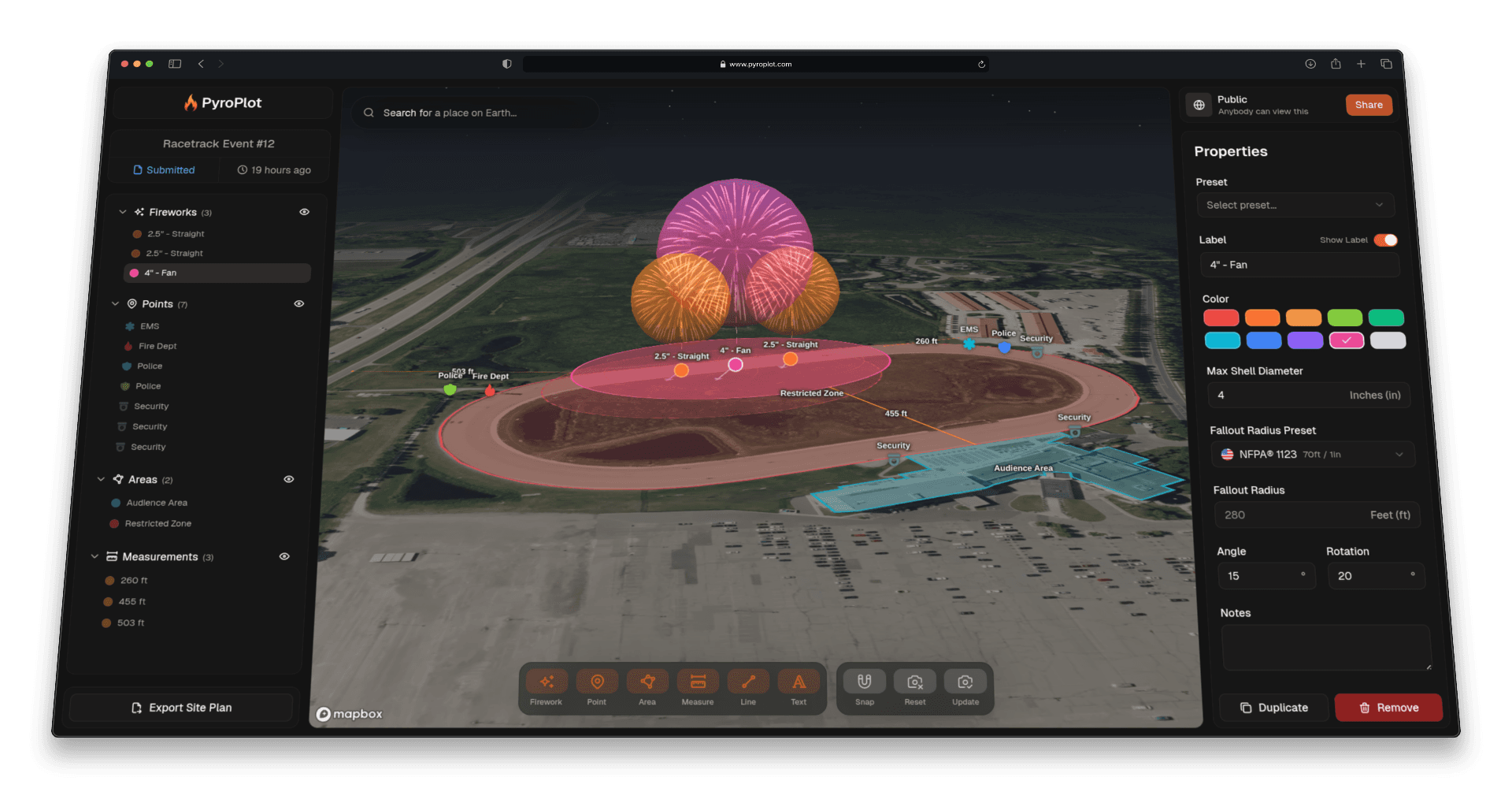
Pyro Plot now gives you three ways to display your fallout zones—making your maps cleaner, clearer, and easier to interpret for both planning and AHJ review.
- Separate Mode: Shows every fallout zone individually, exactly as they are. Perfect when you need full visibility into each shell’s radius or want to inspect overlaps in detail.
- Combined Mode: Automatically merges any overlapping fallout zones into a single, consolidated shape. This dramatically reduces map clutter and creates a clean, high-level view of the total hazard area.
- Hybrid Mode: The best of both worlds. Overlapping zones are merged into one unified shape, but faint outlines of each individual radius remain visible—giving you context without the mess.
How To Use
Head over to any of your projects, and click the project name in the top left to open the project settings dialog. Then click "Annotations", and select the option that fits your needs.