Back to News
Duplicate Projects
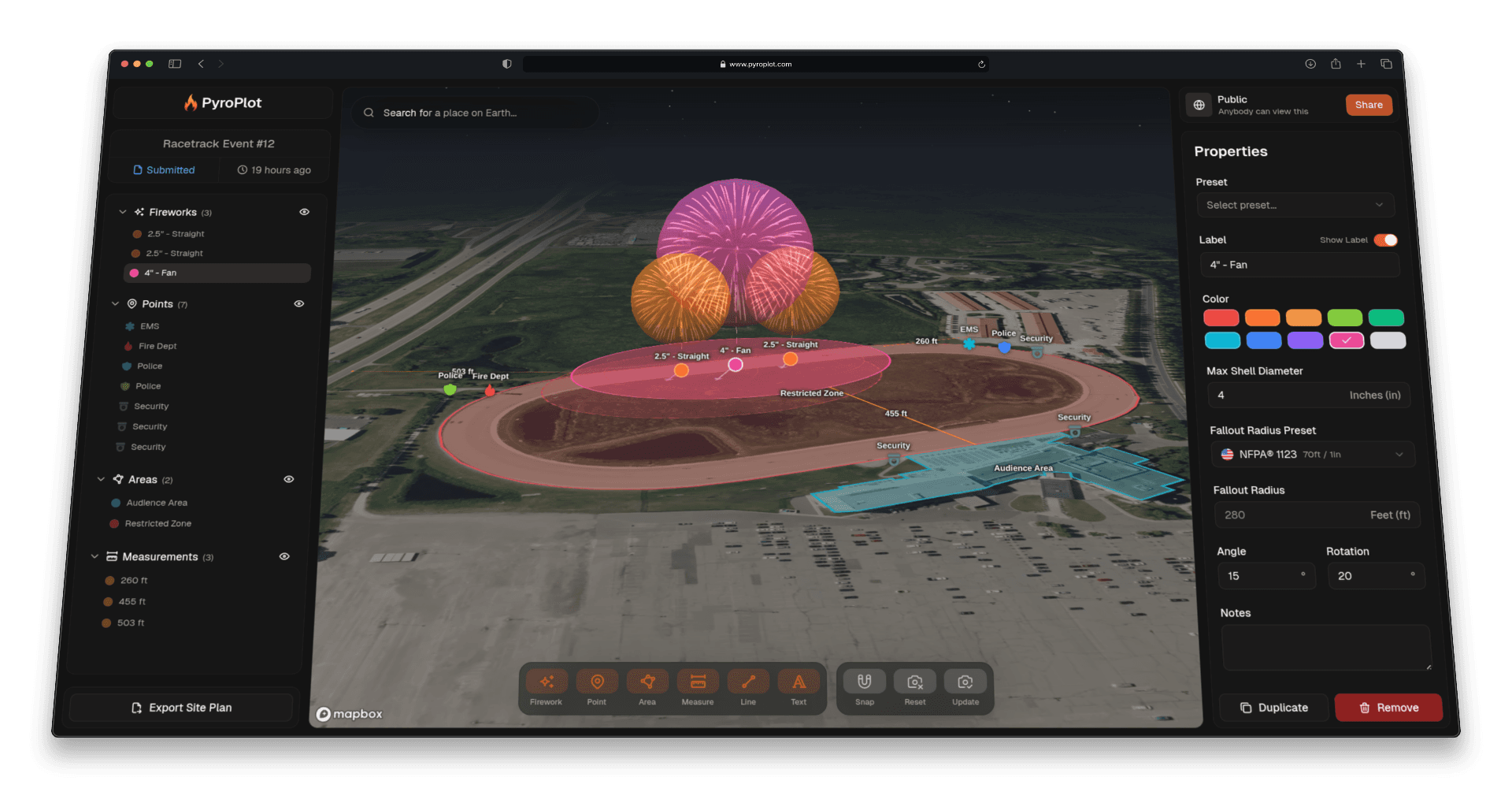
If you run shows at the same venue year after year, you know the drill: open last year's project, manually recreate every mortar placement, re-add your crew, re-enter your settings, and hope you didn't miss anything. That ends today.
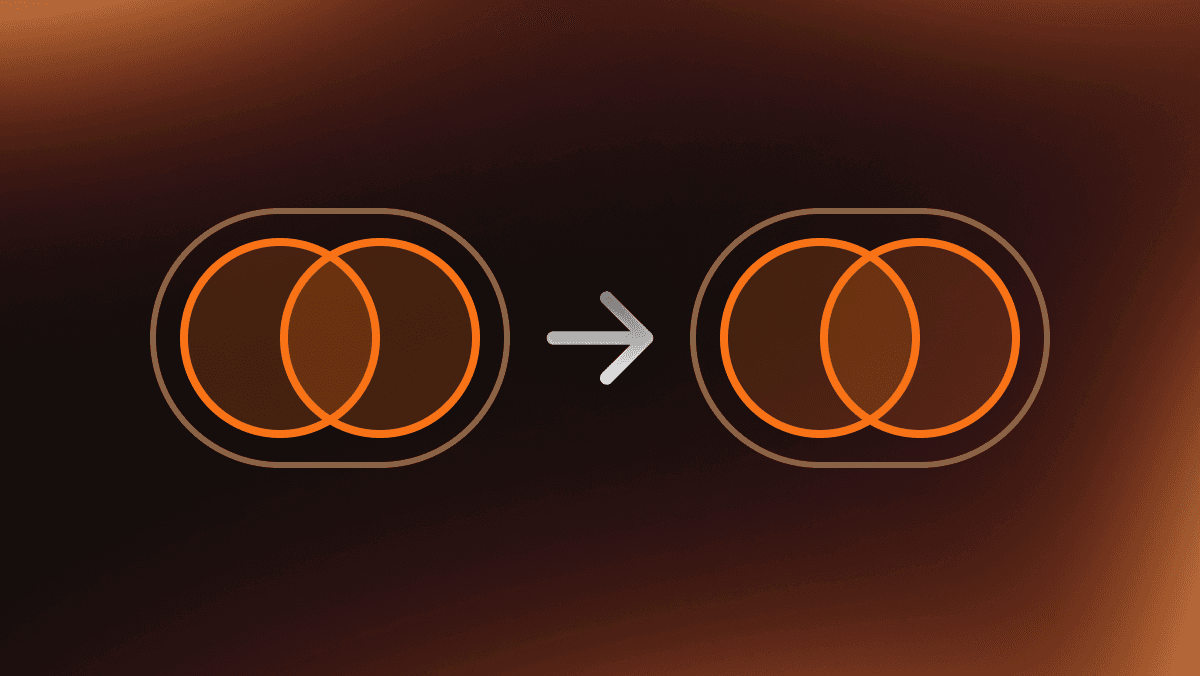
Pyro Plot now supports Duplicate Project, a one-click way to clone an entire project and carry everything over automatically.
What Gets Duplicated
When you duplicate a project, the new copy includes everything from the original:
- All annotations (fireworks, points, areas, measurements, lines, and text labels)
- Project settings (units, map style, fallout display mode, wind configuration, and height visualization)
- Assigned crew members and their roles
- Map camera position
- Project notes
When to Use It
- Annual events at the same venue. Same site, same crew, updated shell lineup.
- Multi-night runs. Duplicate Friday's show for Saturday and adjust for any site changes.
- Show templates. Build a standard layout once and clone it as a starting point for new clients at similar venues.
- AHJ re-submissions. Duplicate an approved project, make the required changes, and resubmit without starting from scratch.
How to Use It
Open a project, and you'll notice a new "Duplicate Project" button in the bottom right. Clicking this will open a dialog that allows you to set the name of the new project, and after making the duplicate you'll immediately be brought to the new project.