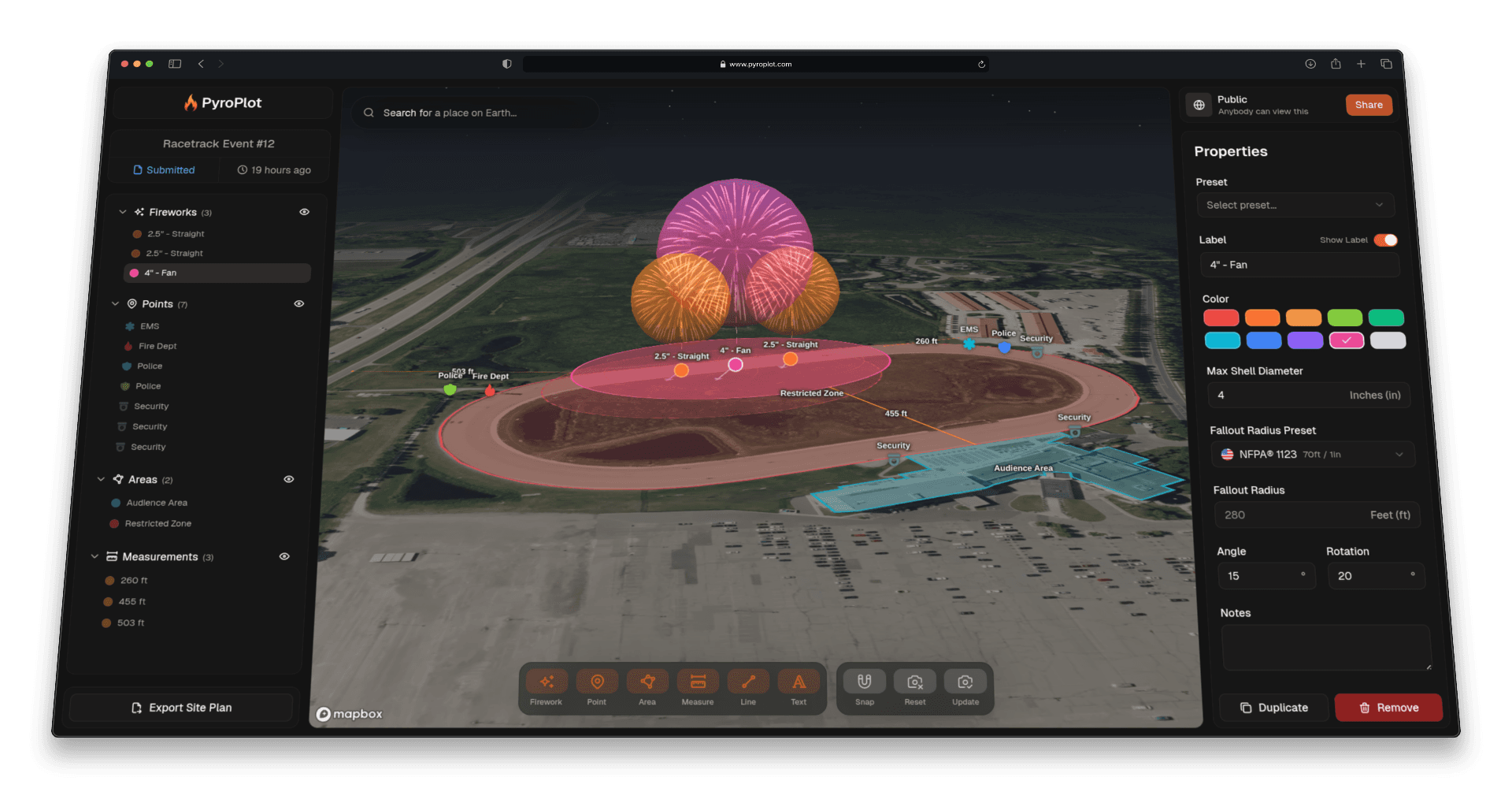

Multi-Select Annotations
Moving annotations one at a time has always worked fine for small adjustments. But when you need to shift an entire mortar rack setup, reposition a cluster of fireworks, or nudge a group of markers across the map, doing it piece by piece is tedious. Multi-Select fixes that.
Pyro Plot now lets you select multiple annotations at once and move them together as a group.
How It Works
Click any annotation to select it, then hold Shift or Ctrl and click any additional annotations you want to include. Once you have your selection, drag to reposition the entire group. Everything moves together, preserving the relative spacing between each annotation exactly as it was.
To deselect, click anywhere on the empty map or press the Esc key.
When It Comes in Handy
- Repositioning a mortar setup. If your launch site shifts, select all the firework annotations in that zone and move them together rather than one by one.
- Adjusting a cluster after a site walk. Came back from the venue and need to nudge a group of markers 50 feet north? Select them all and drag once.
- Cleaning up a layout. Realigned your fallout zones and need to move supporting annotations (points, lines, labels) to match? Multi-select makes it a single move.
- Working with large shows. The more annotations a project has, the more time this saves.
How to Use It
- Click any annotation on the map to select it
- Hold Shift or Ctrl and click each additional annotation you want to include
- Drag any annotation in the selection to move the entire group
Click anywhere on the empty map to clear the selection.