Easy Rows of Fireworks
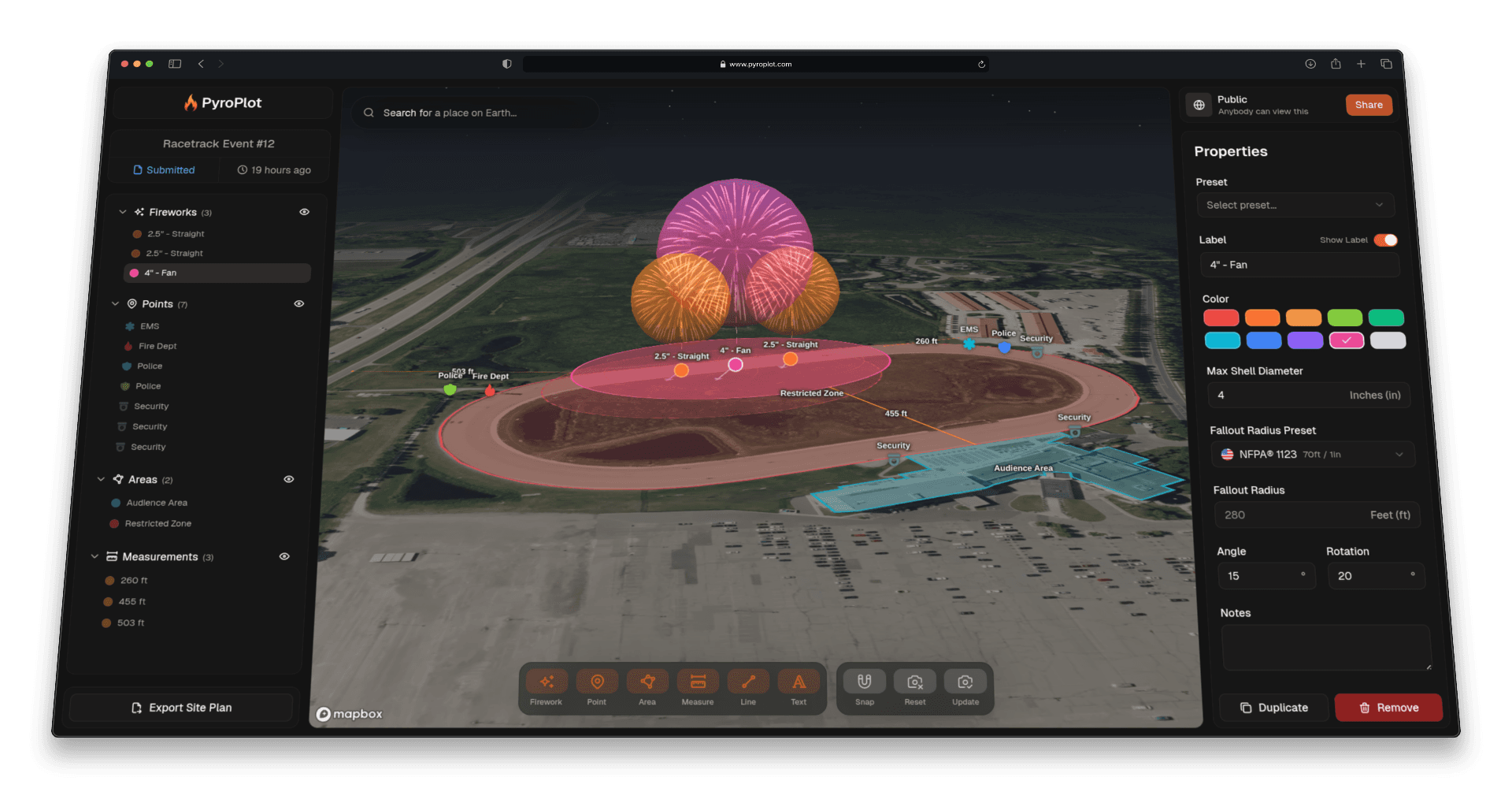
Front lines, back lines, cake rows, etc. A lot of a site plan is just a set of fireworks in a straight line at even spacing. Until now that meant dragging out each one, renaming it, then using our smart snap guides to make sure the gaps between them are equal. The new Row tool does the whole line in two clicks.
Where to Find It
There is a new section on the far left of the map toolbar with a Row button. Click it (or drag it onto the map) and a setup window opens.
Setting Up the Row
Three things to fill in:
- Fireworks: How many positions to place, from 2 to 100.
- Max Shell Diameter: The shell size every firework in the row starts with, in inches or millimeters depending on your project units. Each one gets its fallout radius automatically from your project's default preset.
- Label: The name pattern for the row, with auto-numbering.
Labels are where most of the time savings come from. Type something like
POS-{nn}and the row comes out as POS-01, POS-02, POS-03, and so on. You can also set which number the row starts counting from, so a second row can pick up where the first one left off. A preview at the bottom of the window shows exactly how the labels will read before you place anything.
Placing It on the Map
Click Create Row and the map goes into placement mode. Click once to drop the start of the row, then move your cursor. A live preview follows along showing every firework in position, labeled, with the exact distance between each one measured for you as you go. Click a second time to place them. The first and last fireworks land exactly where you clicked, and everything in between is spaced evenly. Press Esc before the second click to back out.
When It Comes in Handy
- Front lines: Twenty cakes across the front of the firing site, evenly spaced and numbered in order, in two clicks.
- Mortar racks: Lay out a rack line at a set spacing and let the labels number themselves.
- Symmetrical setups: Place one row, then place a matching row starting at the next number so the labeling stays sequential across both.
- Big shows: The more positions a show has, the more this saves. A 40-position layout that used to be 40 drags and 40 renames is now two rows. Rows are a placement shortcut, not a new annotation type. What you get are ordinary firework annotations, so you can select, move, resize, and edit each one exactly like any other firework afterward.
How to Use It
- Click Row in the map toolbar
- Set the number of fireworks, shell size, and label pattern
- Click Create Row
- Click once on the map for the start of the row
- Move your cursor to space it out, then click again to place it