
Back to News
Kanban Board View
Kanban Board View for Projects
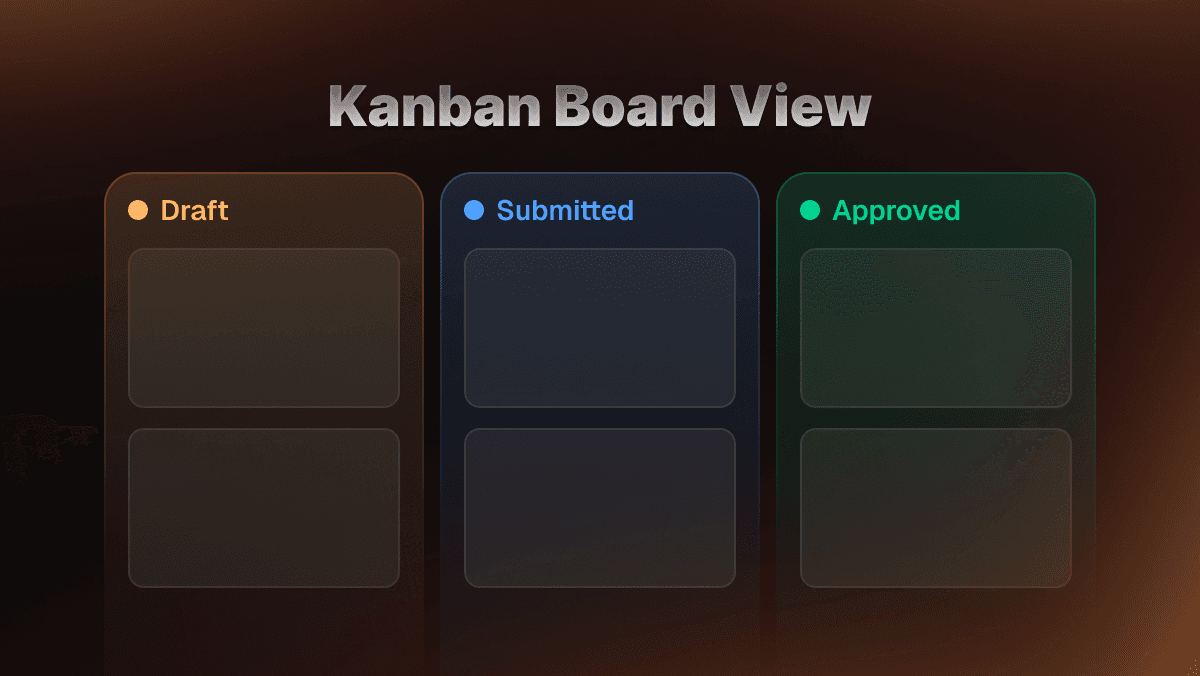
You can now switch the projects dashboard to a kanban board layout. Projects are organized into three columns: Draft, Submitted, and Approved. Drag and drop cards between columns to update a project's status. Toggle between the kanban and grid layouts using the view switcher in the top right corner.
Search
A search bar at the top of the dashboard filters your projects by name as you type.
Sort and Filter
Two new controls let you narrow down your project list:
- Sort by last updated, oldest updated, or name (A-Z / Z-A)
- Filter by status to show only Draft, Submitted, or Approved projects